
Configure business outcomes
Define the meaningful results Zeltino should recognize across visitor conversations and team handoffs.
On this page
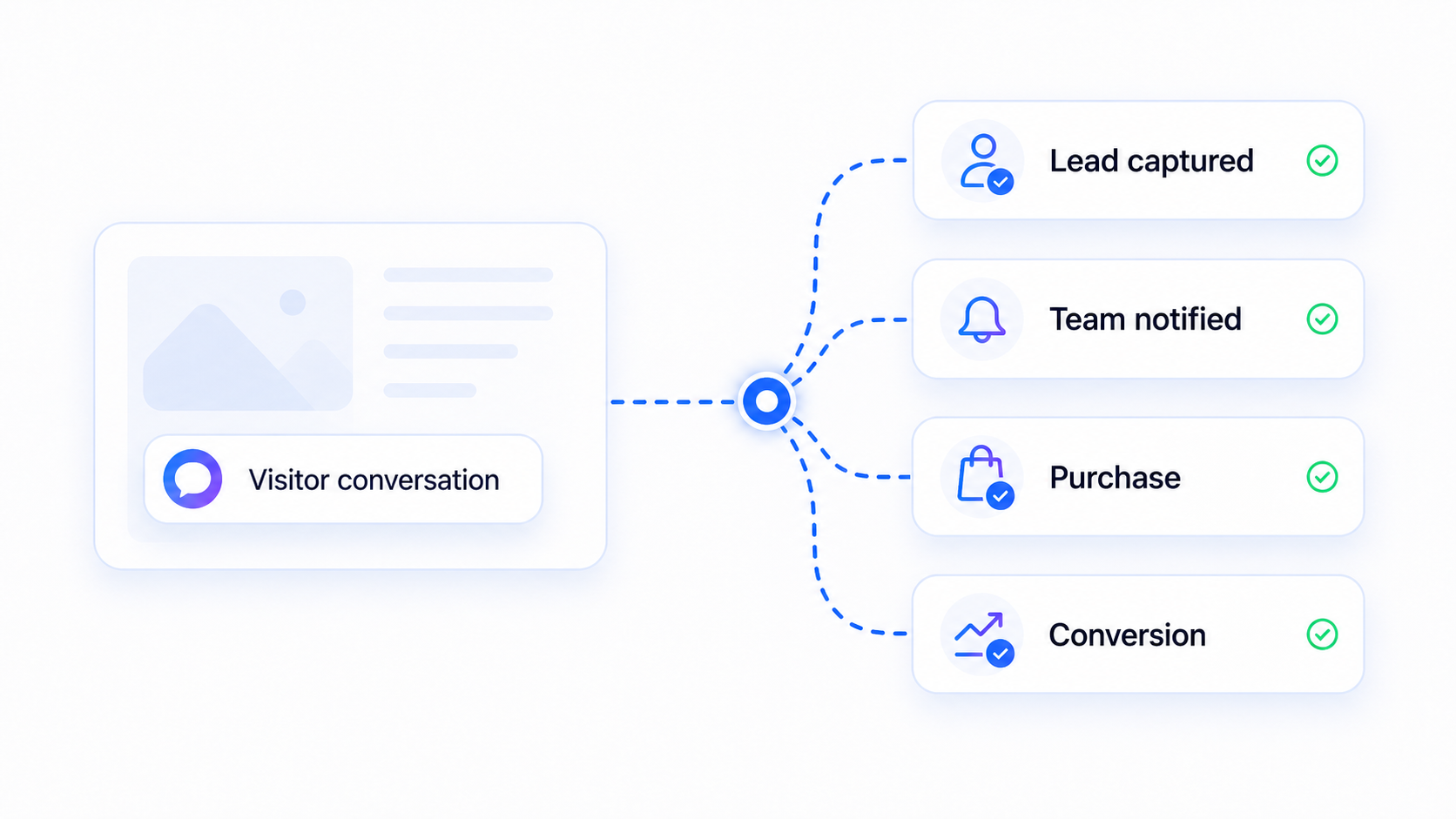
Business outcomes describe the useful result of a conversation. They help separate casual activity from the moments that should trigger a visitor action, team notification, or follow-up.
Choose outcomes that teams can act on#
An outcome should correspond to a real next step. Useful examples include:
- A qualified lead is captured.
- A visitor reaches the meeting-booking path.
- The team is notified about a high-intent question.
- A visitor reaches a purchase or signup action.
- A product or service recommendation is accepted.
Avoid outcomes that only describe conversation activity, such as opening the widget or sending a first message. Those events may be useful for analytics, but they do not necessarily represent business value.
Connect outcomes to the selected flow#
| Flow | Primary outcome | Supporting signal |
|---|---|---|
| Lead capture | Qualified enquiry captured | Contact details provided |
| Book a meeting | Booking path reached | Meeting intent confirmed |
| Product finder | Recommendation accepted | Visitor selects a relevant option |
Decide when to notify the team#
Notifications are most useful when they signal urgency or a need for human judgment. Consider notifying the team when a visitor:
- Asks about implementation, pricing, or a high-value use case.
- Provides complete contact and qualification details.
- Requests help that should not be answered automatically.
- Reaches a flow state that requires manual follow-up.
Review outcomes after launch#
After the first conversations, compare the configured outcomes with what the team considered genuinely useful. If too many conversations are marked successful, tighten the criteria. If valuable conversations are missed, identify the signal that distinguishes them and update the configuration.
Return to Quick setup whenever you need to review the complete launch sequence.